Angular Course
Nginx is an open source web server software which is fast, lightweight and provides high performance used to serve static files. When Nginx was introduced in the initial release it functioned for HTTP web serving.
Beyond serving static content, it also functions as:
- Reverse Proxy: Balances loads across multiple backend servers.
- Load Balancer: Distributes traffic evenly for fault tolerance.
- Content Cache: Caches responses to reduce server load.
- Web Application Firewall (WAF): Adds a layer of security.
Nginx is used for serving Angular application, especially in a production or local environment, offers several advantages:
-
Performance and Scalability Nginx is a high-performance web server that can handle a large number of concurrent connections efficiently. It is designed to serve static files quickly, which is ideal for serving the bundled output of Angular applications. Since Angular apps are single-page applications (SPAs) that are essentially a set of static files (HTML, CSS, JavaScript), Nginx excels at serving these efficiently.
-
Serving Static Files Nginx is specifically optimized to serve static files (like the HTML, CSS, JS, images, and fonts that make up an Angular app). It provides excellent caching mechanisms, which can speed up delivery for repeated requests by storing static files in memory.
-
Routing Support When using Angular, especially in client-side routing, you may run into issues where refreshing the page (or navigating directly to a deep link) results in a 404 error. This happens because the server doesn't know how to handle client-side routes. Nginx can be configured to always serve the index.html for unknown routes, allowing Angular's routing system to take over and handle the client-side route. This ensures users can refresh the page or navigate to deep links without errors.
Example Nginx configuration for this:
Nginx
Copy
location / {
    try_files $uri $uri/ /index.html;
}
-
Security Nginx can be used to set up HTTPS (SSL/TLS) for secure connections, providing better security for your Angular application when deployed locally or in production. You can also use Nginx to add extra layers of security by restricting access to certain parts of your app or implementing additional features like rate limiting, headers for security policies, etc.
-
Reverse Proxy and Load Balancing If your Angular app communicates with an API, Nginx can act as a reverse proxy, forwarding API requests to a backend server. This setup allows Nginx to handle requests to both the Angular frontend and backend services. For more complex applications, Nginx can also be used for load balancing between multiple backend servers.
-
Simplified Local Development with Production Configuration When you want to simulate a production-like environment locally, using Nginx ensures that you're serving your Angular app exactly as it would be in production. It eliminates potential differences in behavior between a development server (which Angular CLI provides) and how the app will run when deployed in a real web server environment.
-
Compression and Caching Nginx can help compress your files (e.g., using gzip) before sending them to the client, reducing the size of responses and improving load times for your Angular app. Nginx also allows you to configure caching strategies for static files, further enhancing performance for users revisiting your app.
-
Easier Deployment to Production Using Nginx locally can help you ensure that the same setup you use for local development mirrors your production environment, which simplifies the deployment process. When you're ready to deploy to a production server, the transition to using Nginx is seamless, as it’s a common and well-supported server for hosting Angular apps.
-
Custom Headers and Error Pages Nginx gives you the ability to customize HTTP headers for caching, security, and SEO. You can configure custom error pages for cases like 404 Not Found or 500 Internal Server Error.
While Angular's development server (ng serve) is great for development, Nginx is preferred when you want to serve your app in a way that mirrors production, for better performance, routing, and security.
Installation
Download Nginx from the official website.
Update NGINX Configuration for Angular App
We'll adjust current NGINX configuration to point to your Angular app's build folder (dist/praveen-emp-mgmt-ui) and set up routing for client-side navigation.
Lets do npm run build in our angular app first.
Replace server block in the NGINX configuration with the following in \nginx-1.26.2\conf\nginx.conf file.
server {
    listen       9090;
    server_name  localhost;

    # Set the root to the build folder of your Angular app
    root D:\praveenoruganti\gitworkspace\angular\praveen-emp-mgmt-ui\dist\praveen-emp-mgmt-ui\browser;

    index index.html;

    # Serve the index.html for all routes (Angular client-side routing)
    location / {
        try_files $uri $uri/ /index.html;
    }

    # Error page configuration (you can modify or remove it based on your needs)
    error_page   500 502 503 504 /50x.html;
    location = /50x.html {
        root html;
    }

    # Optional: enable gzip compression for better performance
    gzip on;
    gzip_types text/plain application/xml application/javascript text/css;
    gzip_min_length 1000;
  }
Let's start the nginx webserver.
D:\praveenoruganti\softwares\nginx-1.26.2>nginx.exe
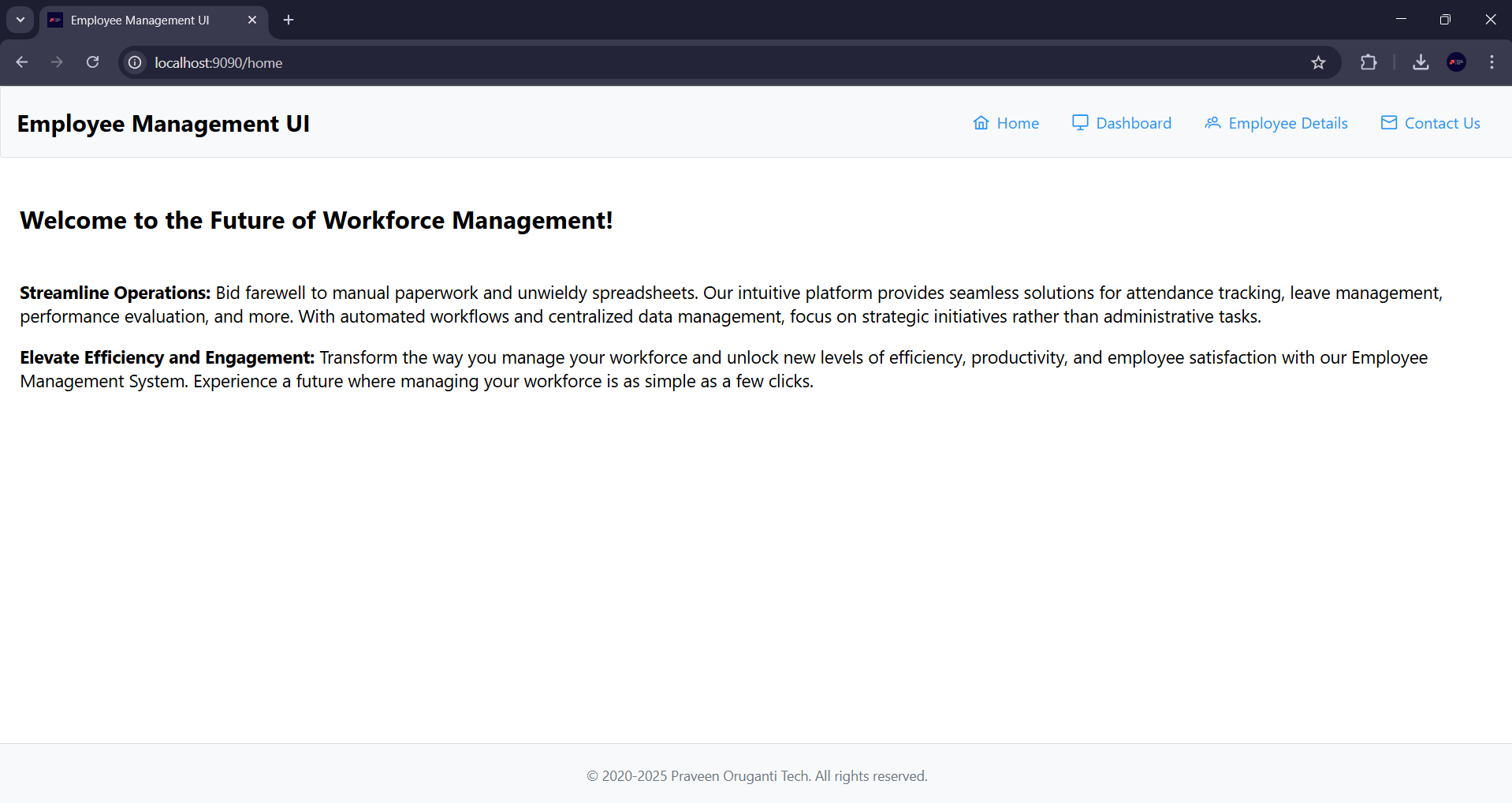
Let's open the URL http://localhost:9090 in the browser.