Back to Docker Course
Docker Course
Installing Docker
- Windows Desktop
Download Docker Desktop and follow the installation wizard, restart your computer if prompted.
- AWS Linux
- Create Account in AWS Cloud
- Create Linux Machine using AWS EC2 service ( Image : Amazon Linux )
- Connect to Linux Machine using MobaXterm
- Install Docker software in Linux VM using below commands
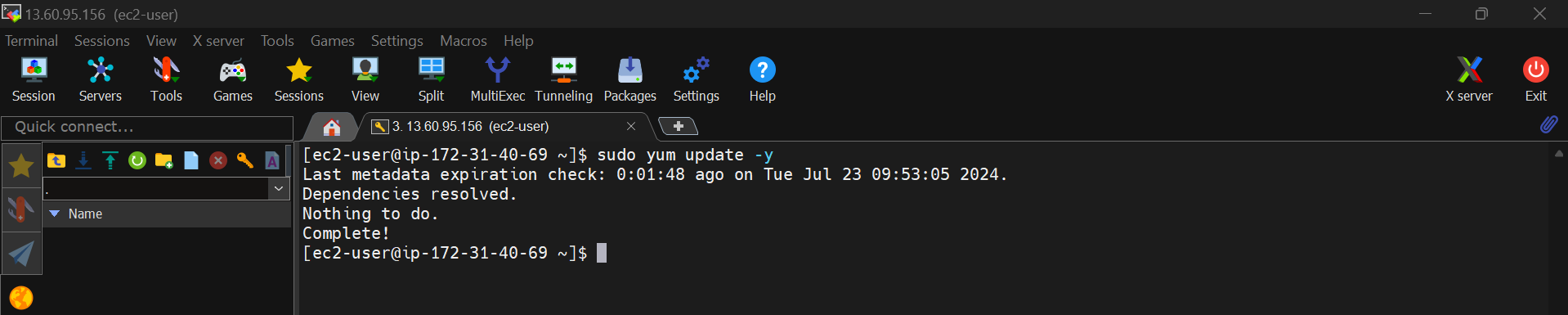
$ sudo yum update -y
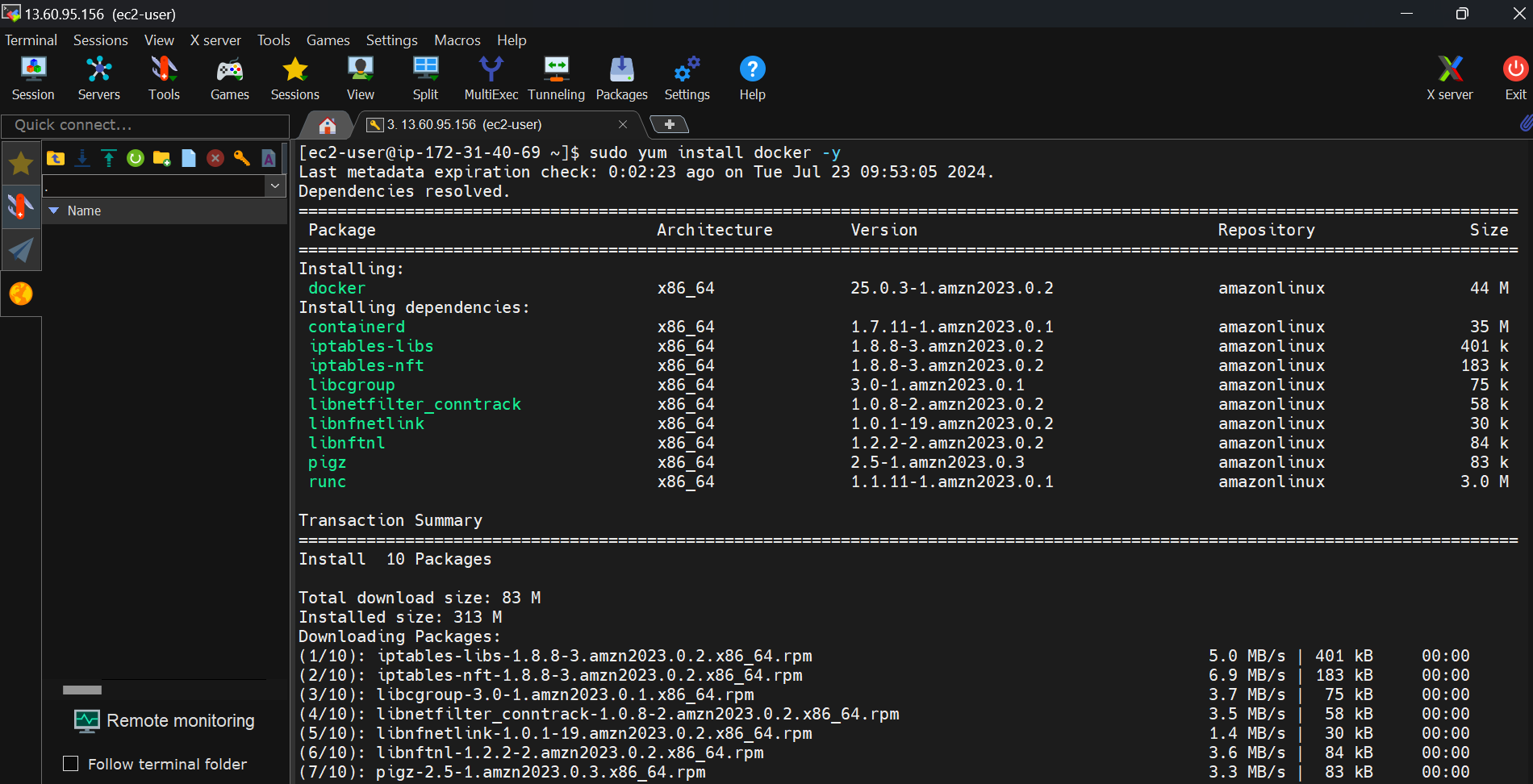
$ sudo yum install docker -y
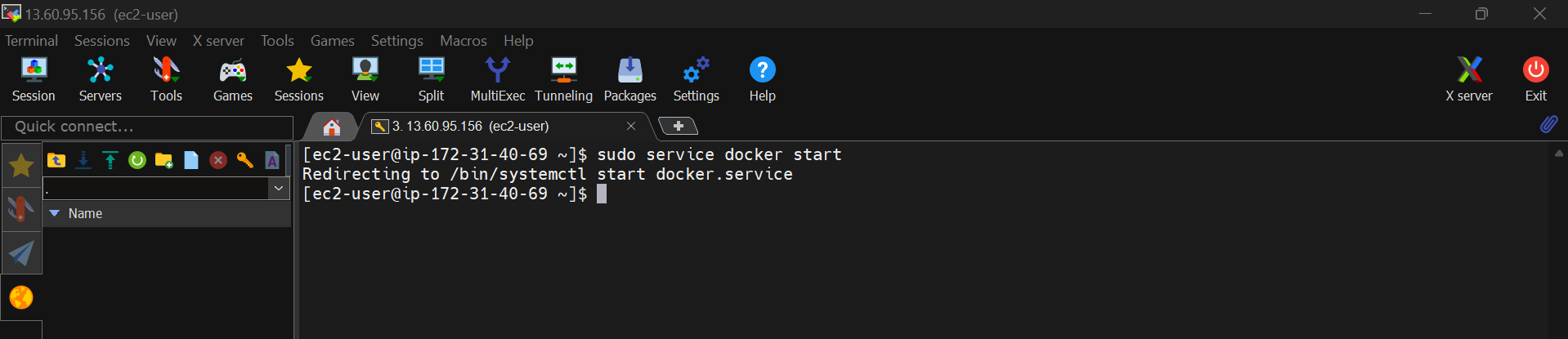
$ sudo service docker start
add ec2-user to docker group by executing below command
$ sudo usermod -aG docker ec2-user

Restart the session
$ exit
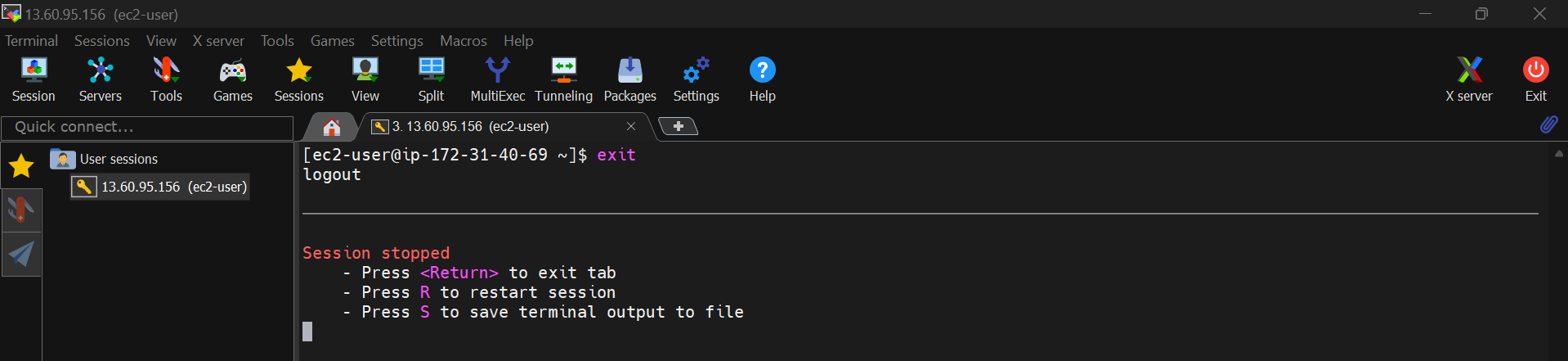
Then press 'R' to restart the session (This is in MobaXterm)