Docker Course
Overview of Docker Networking
Network is all about communication.
Docker Network is used to provide isolated network for docker containers.
In Docker, we have 3 default networks.
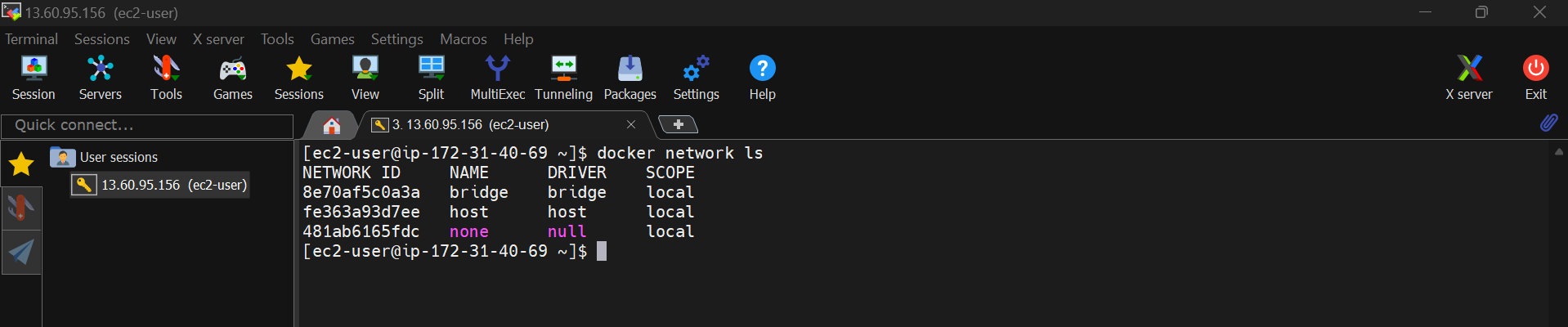
Docker provides various network drivers to manage container networking:
- Bridge: The default network driver, containers on the same bridge network can communicate with each other. This is recommended for standalone container and will assign one IP for our docker container.
- Host: Removes network isolation between the container and the Docker host, making the container use the host's network stack. This is also used to run standalone container but will not assign IP for our docker container.
- Overlay: Facilitates communication between containers across different Docker hosts, typically used in Docker Swarm setups. This is used for orcherstation.
- Macvlan: Assigns a unique MAC address to each container, making it appear as a physical device on the network.
Creating and Managing Networks
- Connecting containers:
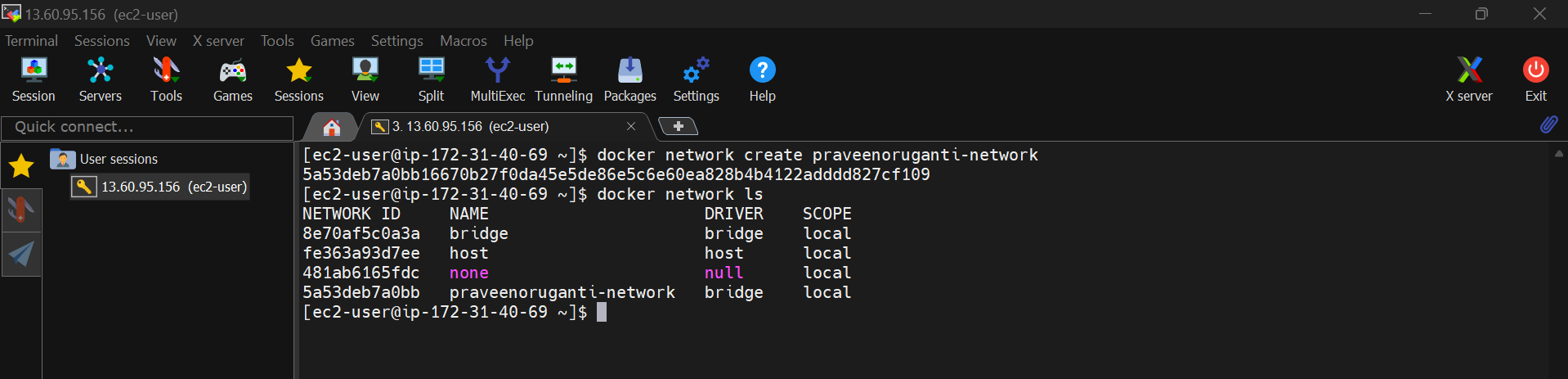
- To create a network:
$ docker network create mynetwork
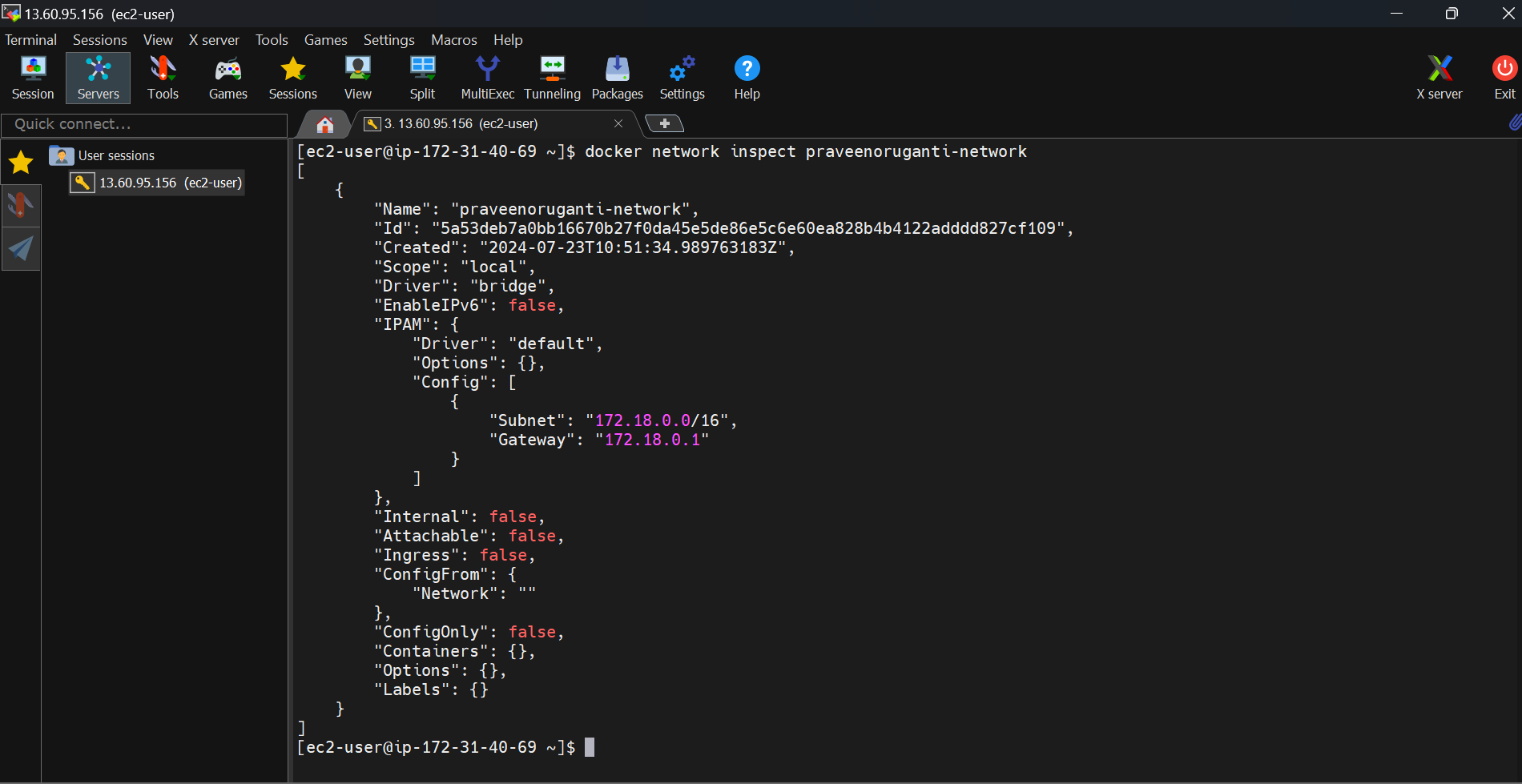
Lets see what containers are running in praveenoruganti-network
$ docker network inspect praveenoruganti-network
I can delete the network using command $ docker network rm praveenoruganti-network
- To run a container on the network:
$ docker run -d --network mynetwork myapp
$ docker run --name birthdayinfoservice -d -p 8080:8080 --network praveenoruganti-network praveenoruganti/praveen-birthday-info-service
- Network isolation
By default, containers on different networks cannot communicate with each other. To allow communication between containers on different networks, you need to connect them explicitly or use a shared network.