Back to Express JS Course
Express JS Course
GET and POST both are two common HTTP requests used for building REST API's. GET requests are used to send only limited amount of data because data is sent into header while POST requests are used to send large amount of data because data is sent in the body.
Express.js facilitates you to handle GET and POST requests using the instance of express.
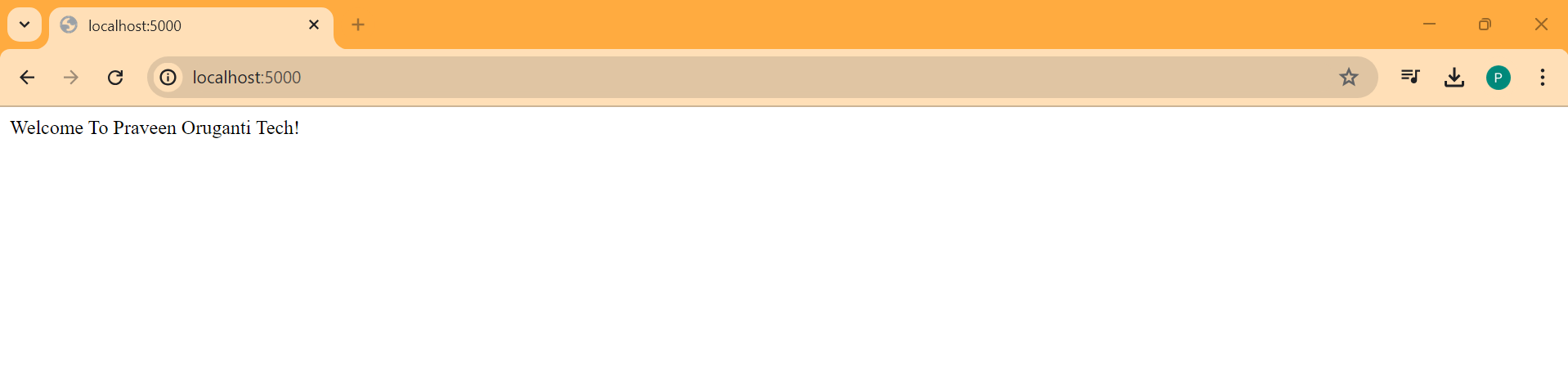
Lets update the code in index.mjs to display Welcome To Praveen Oruganti! in the browser.
import express from "express"

const app = express();

const PORT = process.env.PORT || 5000;

app.get('/', (req, res) => res.send('Welcome To Praveen Oruganti!'));
app.listen(PORT, () => console.log(`Running on Port ${PORT}`));
Now we will see Welcome To Praveen Oruganti! in the browser.
Lets modify the code to return JSON in the response.
import express from "express"

const app = express();

const PORT = process.env.PORT || 5000;

app.get('/', (req, res) => res.send({msg:"Welcome To Praveen Oruganti!"}));
app.listen(PORT, () => console.log(`Running on Port ${PORT}`));
Now we will see the JSON in the browser.

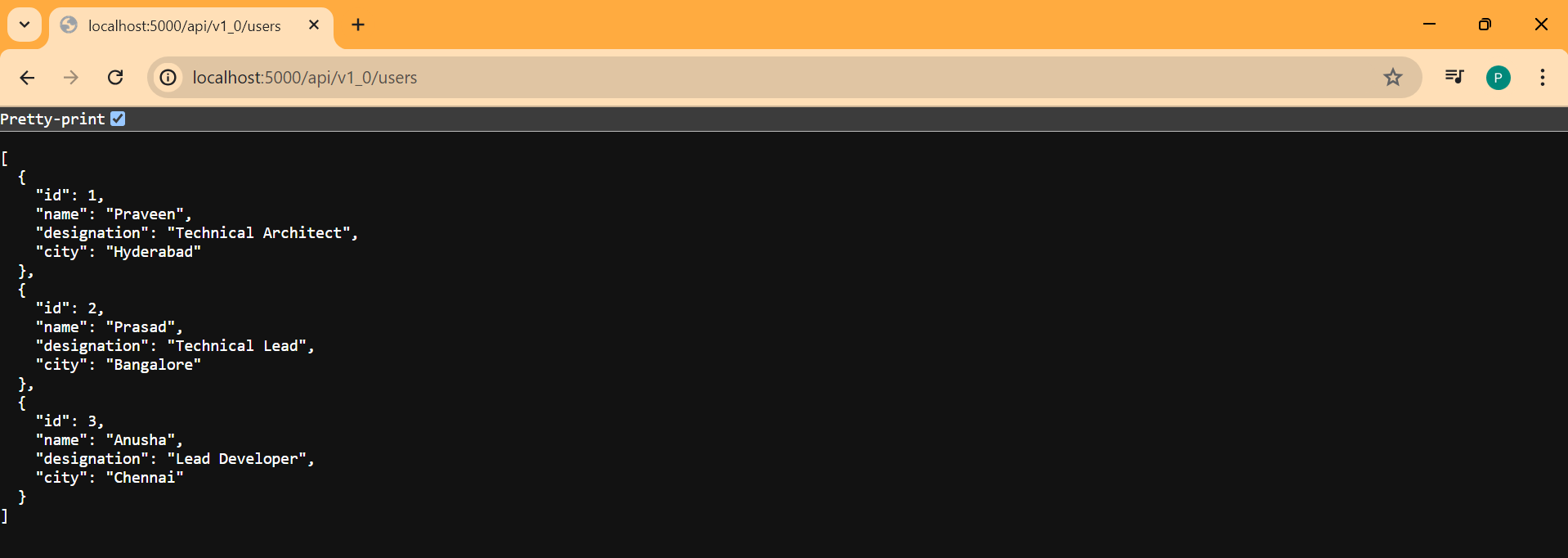
Lets see another example where we need to return set of users in the JSON.
import express from "express"

const app = express();

const PORT = process.env.PORT || 5000;

app.get('/', (req, res) => res.send({ msg: "Welcome To Praveen Oruganti!" }));

// Route to get all users
app.get('/api/v1_0/users', (req, res) => {
    res.send([
        { id: 1, name: 'Praveen', designation: 'Technical Architect', city: 'Hyderabad' },
        { id: 2, name: 'Prasad', designation: 'Technical Lead', city: 'Bangalore' },
        { id: 3, name: 'Anusha', designation: 'Lead Developer', city: 'Chennai' },
    ])
});

app.listen(PORT, () => console.log(`Running on Port ${PORT}`));
Now we will see the JSON in the browser.