Express JS Course
What is Express JS?
Node JS is a fast JavaScript runtime environment that we use to build server-side applications, but it does not know how to perform serving files, handling requests, and handling HTTP methods, so this is where express js comes in.
Express JS is a fast, unopinionated, minimalist web framework for Node JS. You can assume express as a layer built on the top of the Node JS that helps manage a server and routes. It provides a robust set of features to develop web and mobile applications.
Key Features of Express JS
- Minimalistic and Unopinionated
- Middleware Support
- Routing
- Template Engines
- Static File Serving
- Scalability
Why use Express JS?
- Ultra fast I/O
- Asynchronous and single threaded
- MVC like structure
- Robust API makes routing easy
How to Install Express
You can install Express into any project with npm.
If you're in an empty folder, first create a new Node.js project with this command:
npm init -y
Then run the below to install Express into the project.
npm install express
Lets install nodemon which helps our app to run in watch mode i.e.. whenever you make a change in code then it will automatically reflects without restarting app manually.
npm install nodemon
Lets create a simple Express Web Server
`index.js`

const express = require('express');
const app = express();

app.listen(5000, () => console.log("Server ready on port 5000."));
Lets update our package json
{
  "name": "sample",
  "version": "1.0.0",
  "main": "index.js",
  "scripts": {
    "test": "echo \"Error: no test specified\" && exit 1",
	"start:dev":"nodemon ./src/index.js",
    "start": "node ./src/index.js"
  },
  "keywords": [],
  "author": "",
  "license": "ISC",
  "description": "",
  "dependencies": {
    "express": "^4.19.2"
  },
  "devDependencies": {
    "nodemon": "^3.1.4"
  }
}
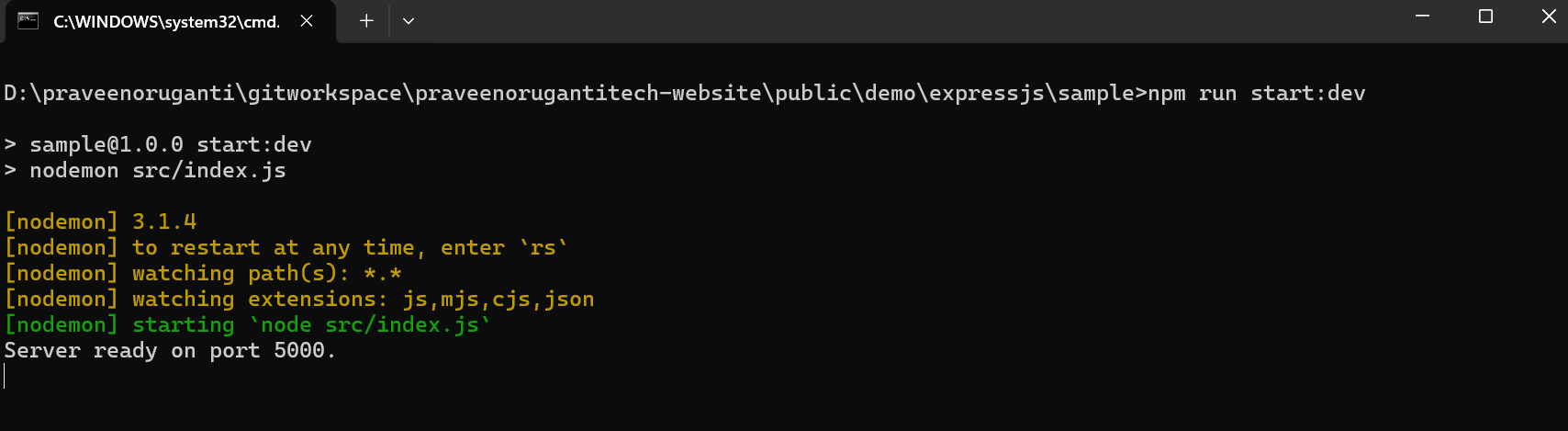
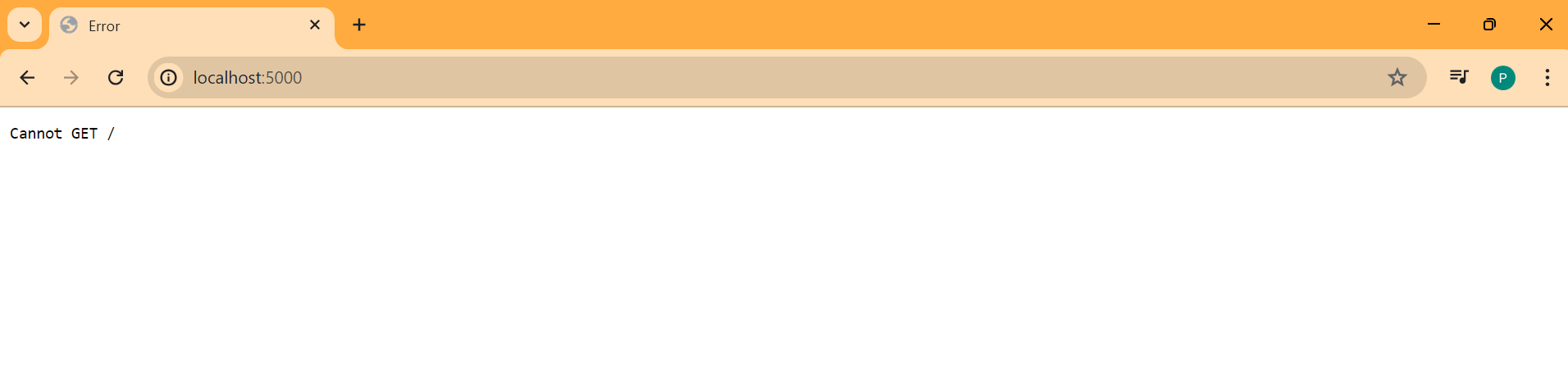
Now run npm run start:dev in the command prompt and open http://localhost:5000 in the browser.
Then you will see Cannot GET / in the browser and Server ready on port 5000. on the command prompt.
Please note that the default port for Express JS is 3000 but I have changed it to 5000 port as I am using 3000 port for my Next JS web app.
Now lets make use of ES6 module.
Here with the updated package.json and the file extension of index is mjs now i.e.. index.mjs.
{
  "name": "sample",
  "version": "1.0.0",
  "main": "index.mjs",
  "scripts": {
    "test": "echo \"Error: no test specified\" && exit 1",
    "start:dev": "nodemon ./src/index.mjs",
    "start": "node ./src/index.mjs"
  },
  "keywords": [],
  "author": "",
  "license": "ISC",
  "description": "",
  "dependencies": {
    "express": "^4.19.2"
  },
  "devDependencies": {
    "nodemon": "^3.1.4"
  },
  "type": "module"
}
Lets update the index.mjs now.
import express from "express"

const app = express();

const PORT = process.env.PORT || 5000;

app.listen(PORT, () => console.log(`Running on Port ${PORT}`));
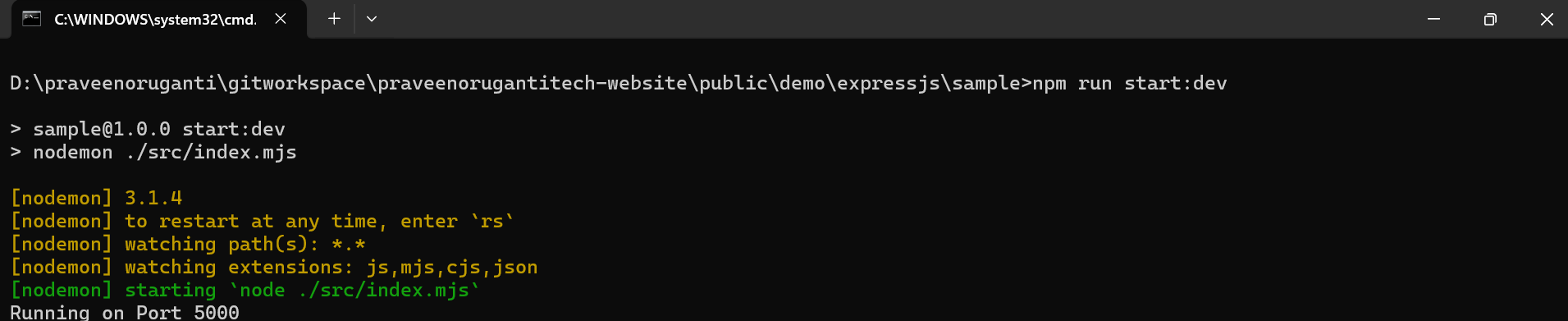
You will see Cannot GET / in the browser in the browser and Running on Port 5000 on the command prompt.