Back to Express JS Course
Express JS Course
In Express JS, query parameters are used to pass data to the server as part of the URL. They are appended to the URL after a question mark (?) and are typically used to filter or specify data that needs to be retrieved. When there are more than two query parameters in a URL, you separate them using the ampersand (&) symbol.
Lets see an example where i return the number of users based on name, designation and city using query params.
import express from "express"

const app = express();

const PORT = process.env.PORT || 5000;

const mockUsers = [
    { id: 1, name: 'Praveen', designation: 'Technical Architect', city: 'Hyderabad' },
    { id: 2, name: 'Prasad', designation: 'Technical Lead', city: 'Bangalore' },
    { id: 3, name: 'Anusha', designation: 'Lead Developer', city: 'Chennai' },
    { id: 4, name: 'Ravi', designation: 'Developer', city: 'Hyderabad' },
    { id: 5, name: 'Kiran', designation: 'Technical Lead', city: 'Hyderabad' },
];

// Route to get all users
app.get('/api/v1_0/users', (req, res) => {
    let filteredUsers = mockUsers;

    const { name, designation, city } = req.query;

    if (name) {
        filteredUsers = filteredUsers.filter(user => user.name.toLowerCase().includes(name.toLowerCase()));
    }

    if (designation) {
        filteredUsers = filteredUsers.filter(user => user.designation.toLowerCase().includes(designation.toLowerCase()));
    }

    if (city) {
        filteredUsers = filteredUsers.filter(user => user.city.toLowerCase().includes(city.toLowerCase()));
    }

    res.send({ users: filteredUsers });
});


app.listen(PORT, () => console.log(`Running on Port ${PORT}`));
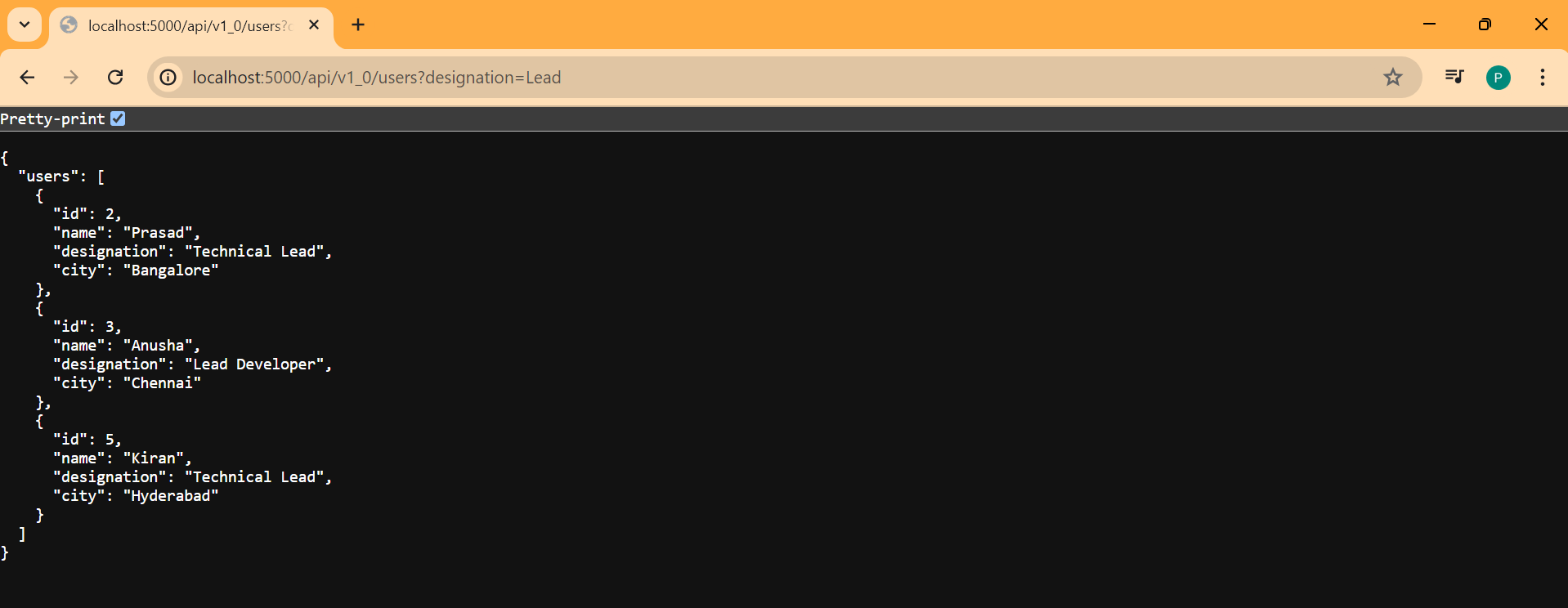
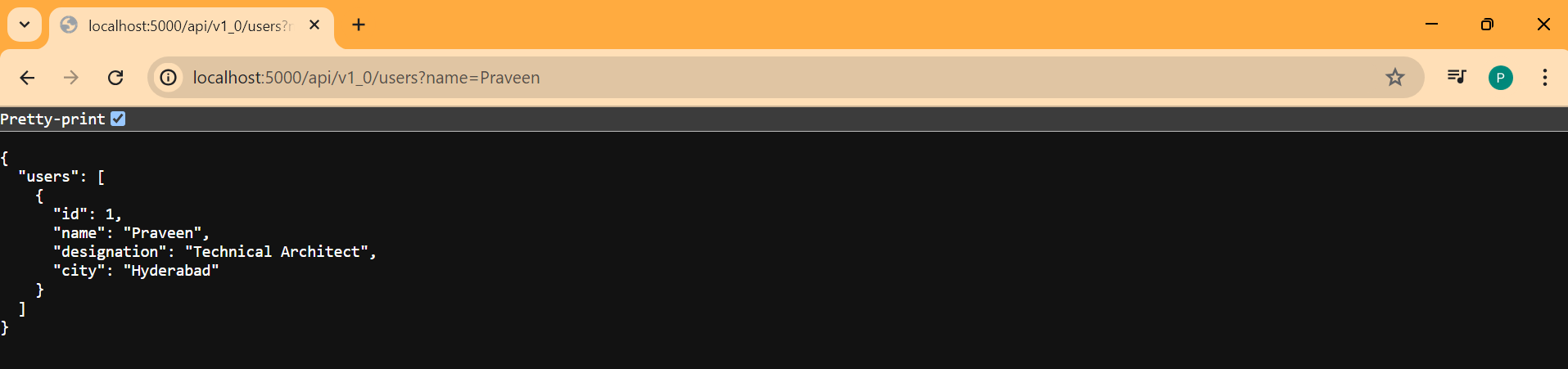
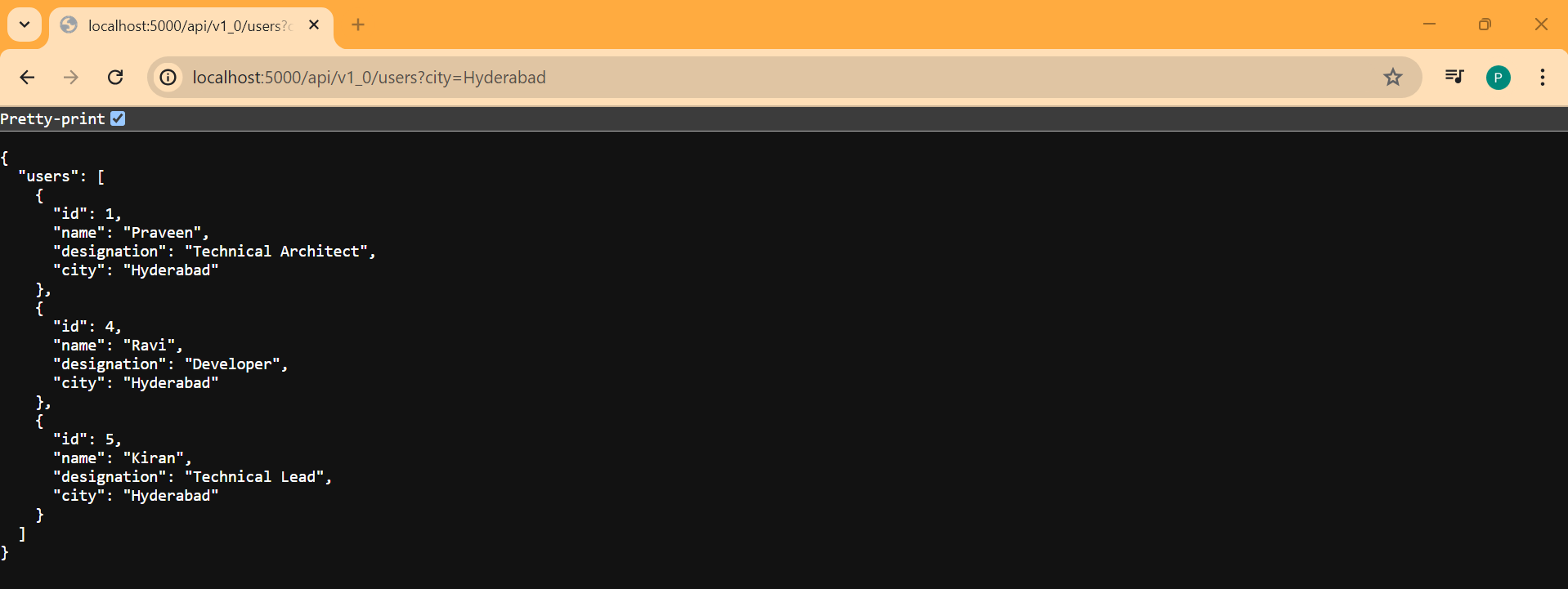
Lets see in browser with name, city and designation filters.
- name filter
- city filter
- designation filter