Kubernetes Course
Why Probes Matter
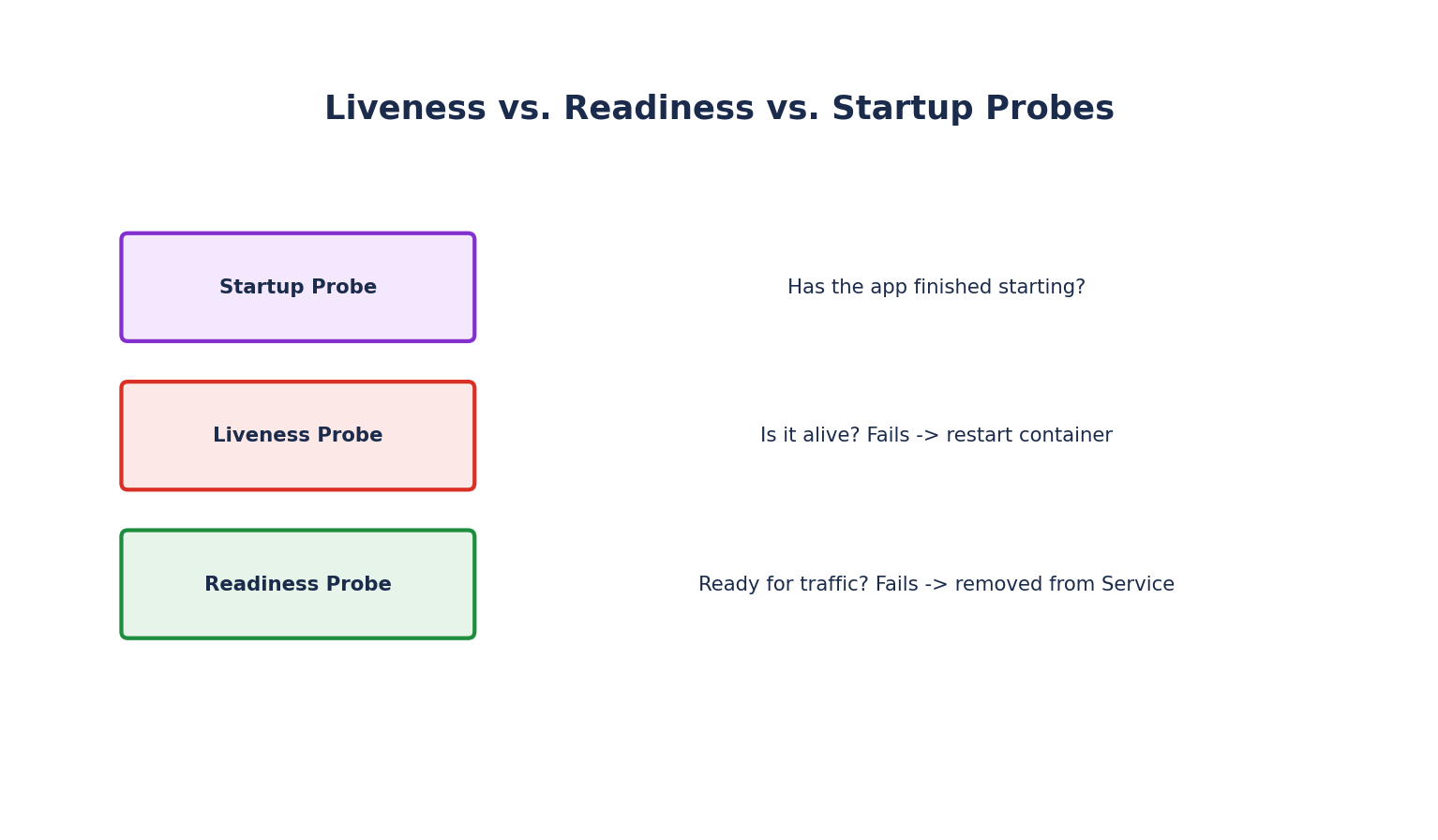
By default, Kubernetes considers a container "healthy" as long as its main process is running — but a process can be running and still be completely unable to serve requests (deadlocked, stuck waiting on a dependency, still warming up a cache). Probes let Kubernetes actually check application-level health, rather than just process-level health, and react appropriately.
There are three types of probes, each answering a different question:
- Liveness Probe — "Is this container alive, or should it be restarted?"
- Readiness Probe — "Is this container ready to receive traffic right now?"
- Startup Probe — "Has this container finished starting up yet?"
Liveness Probes
If a liveness probe fails repeatedly, the kubelet kills and restarts the container — this is how Kubernetes recovers from deadlocks or stuck states that a simple "is the process running" check would miss.
livenessProbe:
  httpGet:
    path: /actuator/health/liveness
    port: 8080
  initialDelaySeconds: 15
  periodSeconds: 10
  timeoutSeconds: 2
  failureThreshold: 3
initialDelaySeconds: How long to wait after the container starts before the first probe.periodSeconds: How often to probe.failureThreshold: How many consecutive failures before the container is restarted.
Readiness Probes
If a readiness probe fails, the Pod is removed from Service endpoints — no traffic is routed to it — but the container is not restarted. This is the correct behavior for a Pod that's temporarily overloaded or waiting on a dependency (like a database connection pool warming up): it shouldn't receive new traffic, but killing and restarting it wouldn't help and could make things worse.
readinessProbe:
  httpGet:
    path: /actuator/health/readiness
    port: 8080
  initialDelaySeconds: 5
  periodSeconds: 5
  failureThreshold: 3
This is also what makes rolling updates safe: a new Pod isn't sent live traffic until its readiness probe passes, so a broken new version never receives requests, and the old version keeps serving until the new one proves itself ready.
Startup Probes
Some applications (large Java apps, apps loading big caches) can take a long time to start. Without a startup probe, a liveness probe with a short initialDelaySeconds might kill the container repeatedly before it ever finishes starting. A startup probe disables liveness and readiness checks until it succeeds:
startupProbe:
  httpGet:
    path: /actuator/health
    port: 8080
  failureThreshold: 30
  periodSeconds: 10   # Allows up to 300 seconds (30 × 10s) for startup
Once the startup probe succeeds once, it stops running, and liveness/readiness probes take over as normal.
Probe Mechanisms
Beyond httpGet, Kubernetes supports two other ways to check health:
livenessProbe:
  exec:
    command: ["cat", "/tmp/healthy"]
  periodSeconds: 10
livenessProbe:
  tcpSocket:
    port: 5432
  periodSeconds: 10
exec: Runs a command inside the container; a zero exit code means success. Useful for applications with no HTTP endpoint.tcpSocket: Just checks that a TCP connection can be opened on the given port — a lightweight check for things like databases with no convenient HTTP health endpoint.httpGet: The most common choice for web applications — any status code200–399is considered a success.
Common Mistakes
- Making the readiness probe check downstream dependencies too aggressively — if your readiness probe fails whenever a non-critical downstream service is briefly slow, you can pull an otherwise-healthy Pod out of rotation unnecessarily, sometimes causing a cascading capacity crisis.
- Setting liveness and readiness to the exact same endpoint with no real distinction — if a shared dependency (like a database) is down, an aggressive liveness probe using the same check will restart every Pod in a crash loop, when what you actually want is for readiness to pull them from traffic while liveness leaves them alone to recover once the dependency returns.
- No startup probe on slow-starting apps — leads to Pods being killed in a loop before they ever finish starting, which can look like a completely unrelated bug.
kubectl describe pod <name>   # Shows probe failures and restart counts in the Events section
kubectl get pods              # A Pod stuck cycling RESTARTS often points to a bad liveness probe