Kubernetes Course
Why Jobs Exist
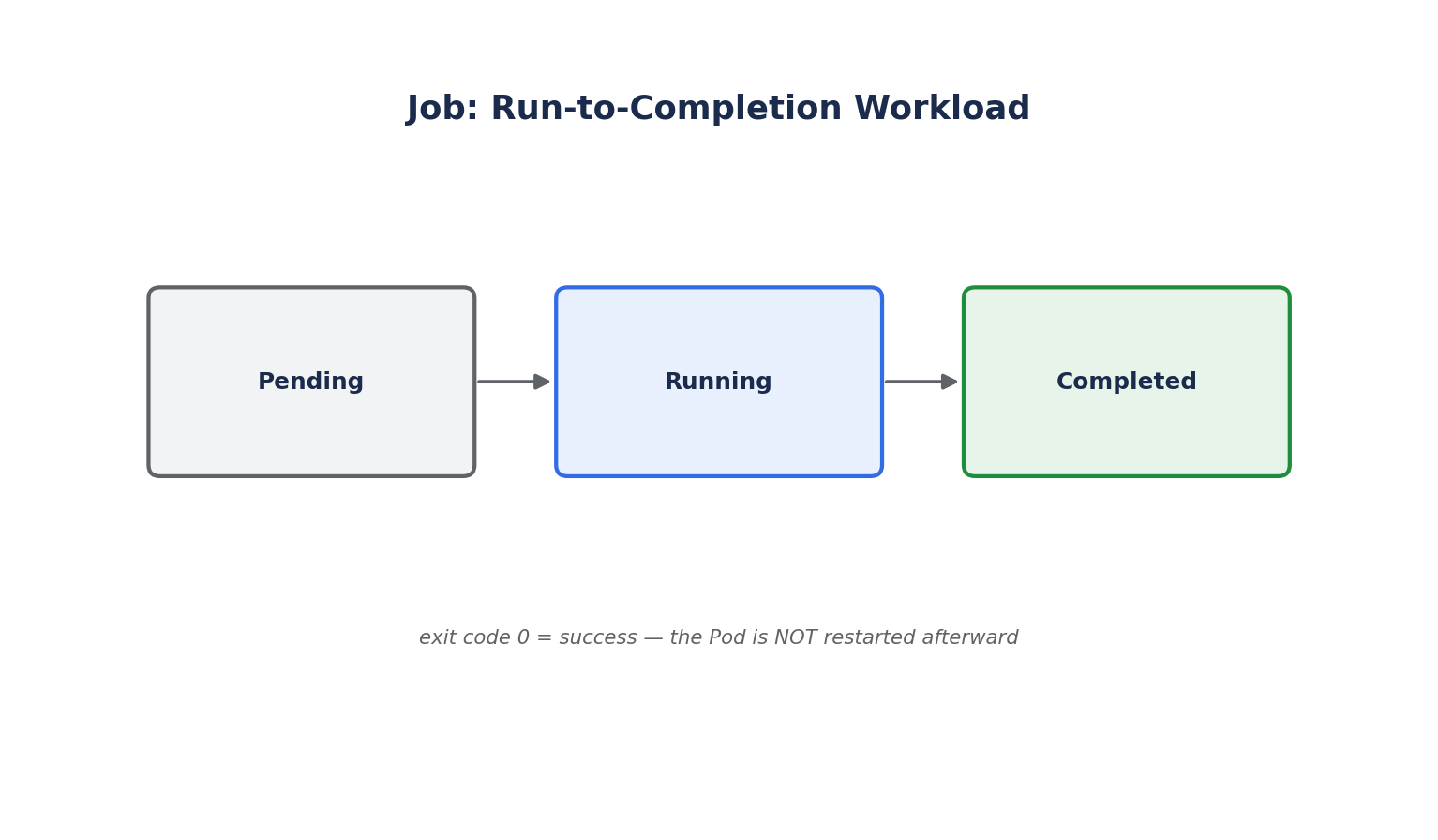
Deployments and StatefulSets are built around the assumption that a Pod should run forever — if it exits, it's restarted. That's the wrong behavior for a one-off task: a database migration, a batch report, or a data-processing script that's supposed to finish and exit successfully. A Job is the controller designed for run-to-completion workloads.
Basic Job
apiVersion: batch/v1
kind: Job
metadata:
  name: db-migration
spec:
  template:
    spec:
      containers:
        - name: migrate
          image: myapp-migrations:1.0
          command: ["./migrate.sh"]
      restartPolicy: Never
  backoffLimit: 4
restartPolicyinside a Job's Pod template must beNeverorOnFailure— neverAlways(the Deployment default), since a Job Pod is expected to terminate.backoffLimitcaps how many times Kubernetes retries a failed Pod before marking the Job itself as failed (with exponential backoff between retries).
kubectl apply -f job.yaml
kubectl get jobs
kubectl logs job/db-migration
kubectl describe job db-migration
Once the Job's Pod exits with status 0, the Job is marked Complete and the Pod is not restarted — this is the key behavioral difference from every other controller covered so far.
Parallel Jobs
Jobs can run multiple Pods in parallel to process a batch of work faster:
spec:
  completions: 10    # Total successful Pod completions needed
  parallelism: 3     # Max Pods running at once
  template:
    spec:
      containers:
        - name: worker
          image: batch-worker:1.0
      restartPolicy: OnFailure
completions: 10withparallelism: 3means Kubernetes runs up to 3 Pods at a time until 10 have succeeded in total.- Omitting
completionsentirely turns this into a work queue pattern, where the Job is considered done once any one Pod exits successfully (each Pod is expected to pull its own unit of work from an external queue).
TTL Cleanup
Completed Jobs (and their Pods) stick around by default, which clutters kubectl get jobs output over time. ttlSecondsAfterFinished automatically deletes a Job (and its Pods) some time after it finishes:
spec:
  ttlSecondsAfterFinished: 3600   # Clean up 1 hour after completion
CronJobs
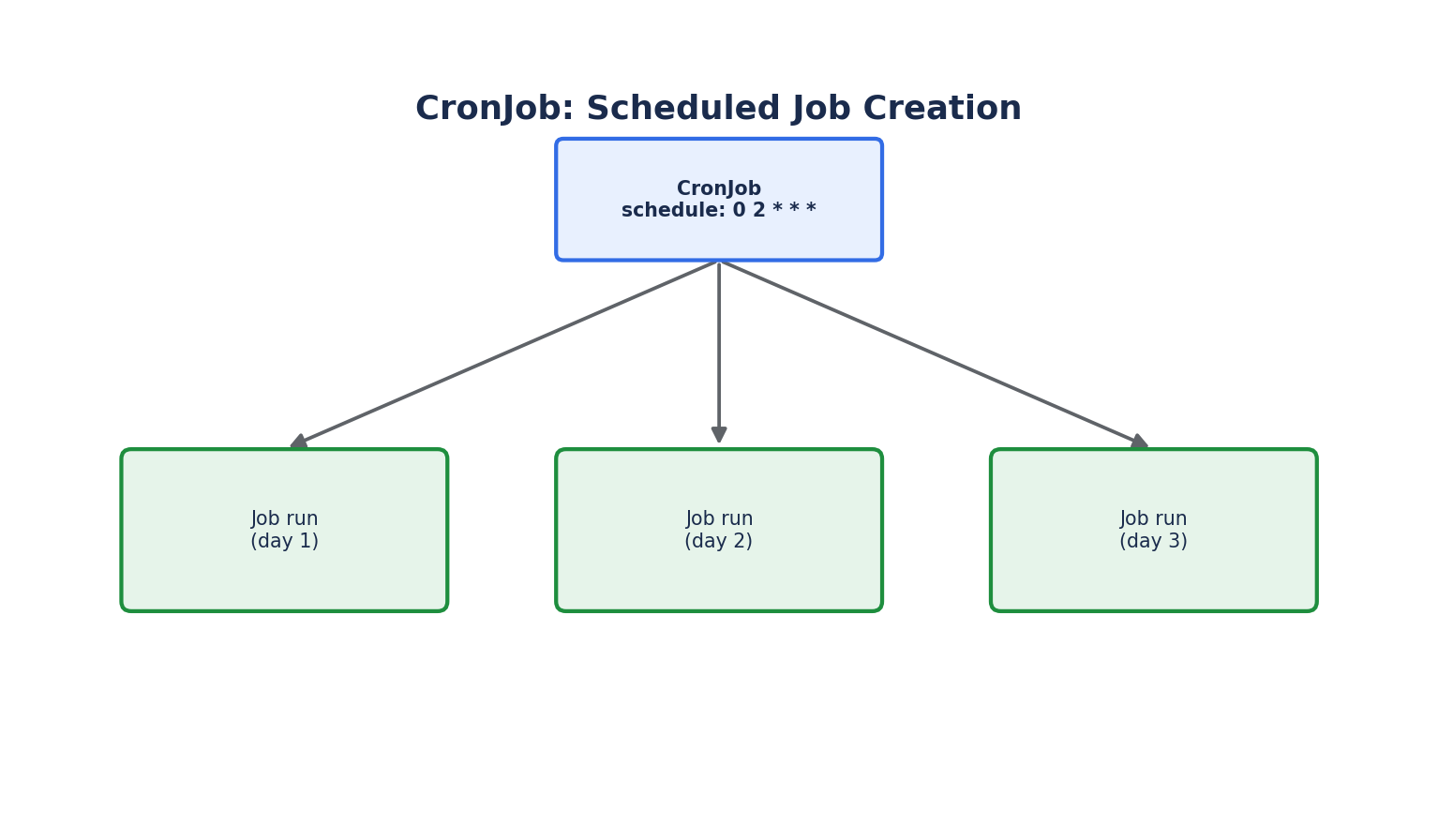
A CronJob creates Jobs on a repeating schedule — the Kubernetes equivalent of a Unix cron entry, used for nightly backups, scheduled report generation, periodic cache cleanup, and similar recurring tasks.
apiVersion: batch/v1
kind: CronJob
metadata:
  name: nightly-backup
spec:
  schedule: "0 2 * * *"          # 2:00 AM every day, in the cluster's configured time zone
  concurrencyPolicy: Forbid       # Don't start a new run if the previous one is still going
  successfulJobsHistoryLimit: 3
  failedJobsHistoryLimit: 1
  jobTemplate:
    spec:
      template:
        spec:
          containers:
            - name: backup
              image: db-backup-tool:1.0
              command: ["./backup.sh"]
          restartPolicy: OnFailure
scheduleuses standard cron syntax (minute hour day-of-month month day-of-week).concurrencyPolicycontrols what happens if a scheduled run is still executing when the next one is due:Allow(default, runs concurrently),Forbid(skips the new run), orReplace(cancels the running one and starts fresh).successfulJobsHistoryLimit/failedJobsHistoryLimitcap how many old Job records are kept around for inspection (kubectl logson a past run), rather than growing unbounded.
kubectl get cronjobs
kubectl get jobs --watch                     # See Jobs appear as the schedule fires
kubectl create job manual-run --from=cronjob/nightly-backup   # Trigger a run immediately, for testing
Jobs, CronJobs, and Pod Health Checks
Unlike long-running Deployments, Job Pods are not expected to pass liveness/readiness probes to be considered "up" — success is defined entirely by the container's exit code. Exit code 0 means success; anything else is treated as a failure subject to backoffLimit retries. Keep this distinction in mind: a script that runs forever and never exits will never let a Job complete, no matter how "healthy" it looks.